









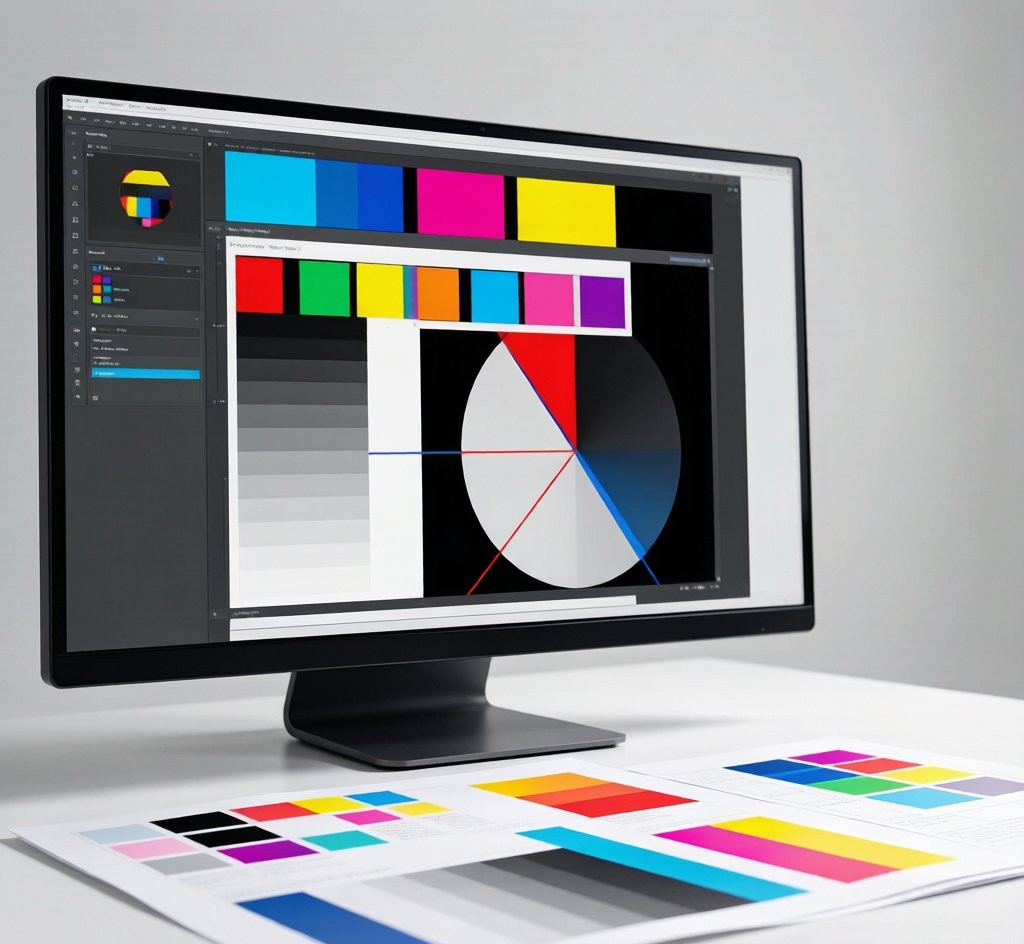
Bad artwork is the #1 cause of reprints and delays. A file that looks perfect on screen can print with dull colour, blurry text or a white edge. This guide sets the specs that pass first time at a commercial printer.
Spec checklist
| Setting | Correct | Wrong |
|---|---|---|
| Colour mode | CMYK | RGB |
| Resolution | 300 dpi | 72 dpi |
| Bleed | 3 mm all sides | 0 mm |
| Fonts | Outlined / embedded | System fonts |
| File | PDF/X-4 | Word, JPG |
Choose your format
| Format | Use when |
|---|---|
| PDF/X-4 | Final print file (best) |
| AI / EPS | Editable vector source |
| PSD / TIFF | Layered photo artwork |
| IDML | InDesign exchange |
Expert tips
- Convert to CMYK before export. RGB blues and greens shift on press; convert early to preview true colour.
- Add 3 mm bleed, not 0. Any element touching the edge needs bleed or you get a white strip.
- Outline your fonts. Embedded fonts occasionally fail; outlined text never does.
- Embed ICC profile. We print to GRACoL / FOGRA so colour matches your proof.
Four-step handoff
- Build at 300 dpi in CMYK with 3 mm bleed.
- Outline fonts and embed the ICC profile (GRACoL / FOGRA).
- Export PDF/X-4; keep the AI/EPS source as backup.
- Upload with specs for a free quote; we preflight and confirm within 24h.
Get a free quote
McLantis Printing & Packaging Group has printed custom jobs since 1976 with ISO 9001 colour control, shipping worldwide from Shanghai. Send your PDF/X-4 and we preflight it free and return a firm quote within 24 hours.